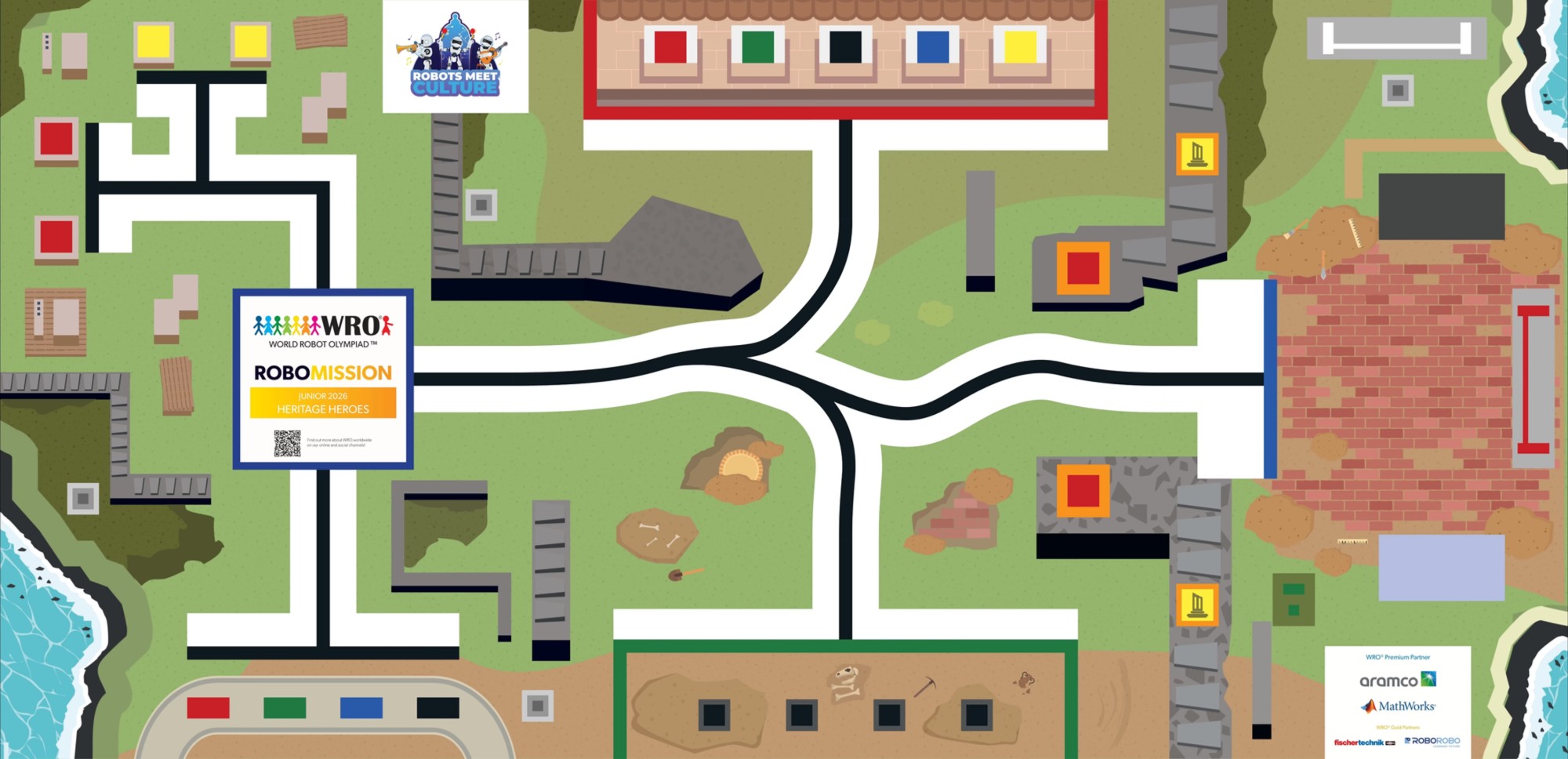
The official WRO 2026 RoboMission Junior "Heritage Heroes" game mat measures 2362 mm × 1143 mm (General Rules §7.2, ± 5 mm tolerance per dimension — the same overall field size as the Elementary and Senior mats). The overlay adds a 50 mm reference grid, edge ruler, and labelled call-outs for every named area in the rules. Use the toolbar to measure distances, plan robot paths, check turn angles, and place a robot footprint. Click EXPORT CODE to convert a planned path into starter Python or Word Blocks pseudocode, or IMPORT CODE to replay an existing PyBricks route on the mat. Coordinates use a top-left origin (0, 0).
Setup needed: this page is wired up and every mat-independent
tool (measure, path, angle, robot footprint, code import/export and route
simulation) already works — but it still needs two files from the official
WRO 2026 Junior materials, which aren't bundled here:
1. the game mat printing file saved as img/gamemat-junior.jpg, and
2. the zone call-outs filled into assets/zones-junior.js
(that file explains the format and how the other two categories' coordinates were derived).
Until the mat image is added the field below renders blank, and colour-based
line-follow simulation has no artwork to sample.
Route planner → PyBricks
Walk the route on the mat
Key zones (mm, top-left origin)
| Zone | X | Y | X2 | Y2 | W | H |
|---|
Mat dimensions
- Width
- 2362 mm (≈ 92.99 in)
- Height
- 1143 mm (≈ 45.00 in)
- Aspect
- 2.066 : 1
- Tolerance
- ± 5 mm per dimension
- Border height
- 50 mm (table wall)
Reference grid
- Minor
- 50 mm (faint white)
- Major
- 200 mm (brighter white)
- Edge ticks
- 100 mm, labelled every 500 mm
- Origin (0,0)
- top-left corner of mat
- Centre
- (1181, 571.5) mm
Zone legend
- Robot start area
- Cable targets · stage
- Mic target · truck (instruments)
- Notes start & staff targets
- Backstage · clef start