Java for IT learners, right in the browser.
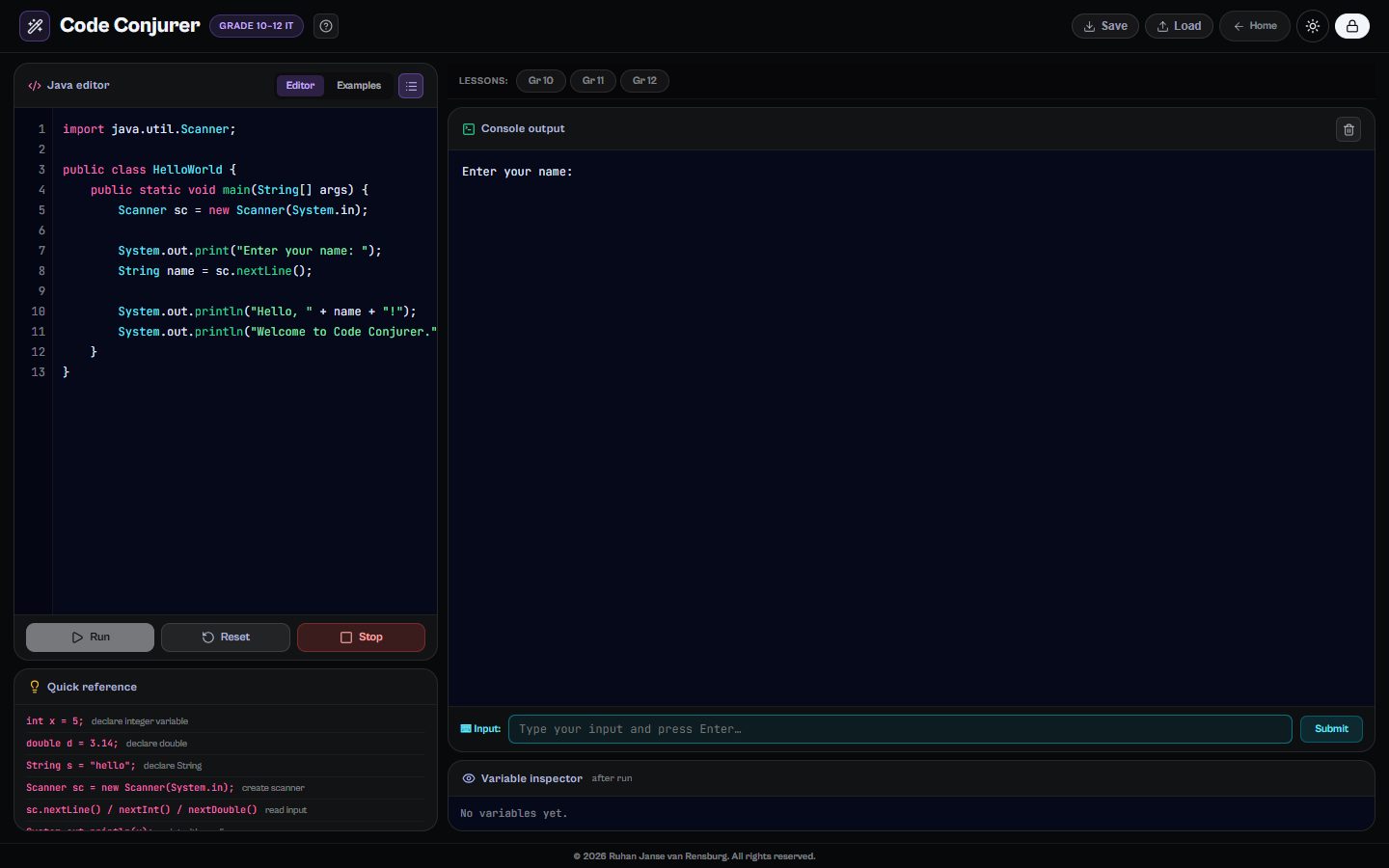
Code Conjurer is a Java editor and a course in one. Learners write and run real Java without installing anything, and work through lesson tracks for Grades 10, 11 and 12 that follow the IEB and CAPS Information Technology curriculum, all the way to exam patterns and tips.
Runs in any modern browser. Nothing to install.
What learners do
Real Java, no installs
Write, run and debug Java in the browser, with keyboard input through Scanner and a variable inspector after every run.
A track for each grade
Separate lesson tracks for Grade 10, 11 and 12, each building on the last.
Practice after every lesson
Coding challenges follow each lesson, so the idea is used straight away.
Read code like an examiner
Predict-the-output and spot-the-bug quizzes train the reading skills exams test.
What’s inside
Grade 10
- What is Java?
- Variables and data types
- Operators and expressions
- if / else if / else
- The switch statement
- for loops
- while and do-while loops
- 1D arrays
- String methods
- Writing and calling methods
Grade 11
- 2D arrays
- Bubble sort
- Linear and binary search
- Classes and objects
- Arrays of objects
- private fields, getters and setters
Grade 12
- Inheritance
- Polymorphism and @Override
- try / catch / finally
- Recursion
- IEB exam patterns and tips
Questions
Do learners need to install Java?
No. Code Conjurer runs Java in the browser, so it works on school computers and Chromebooks where installing software is not allowed. A keyboard makes coding much easier than a phone.
Which curriculum does it follow?
The lessons follow Information Technology for Grades 10 to 12, for both IEB and CAPS schools, and finish with the question patterns that appear in IEB exams.
How much does it cost?
Code Conjurer is one of thirteen tools on The Magic Lab. Start with a free account; full access to every tool is one plan, and schools can get a quote for all their learners and teachers.