Build websites. See them live.
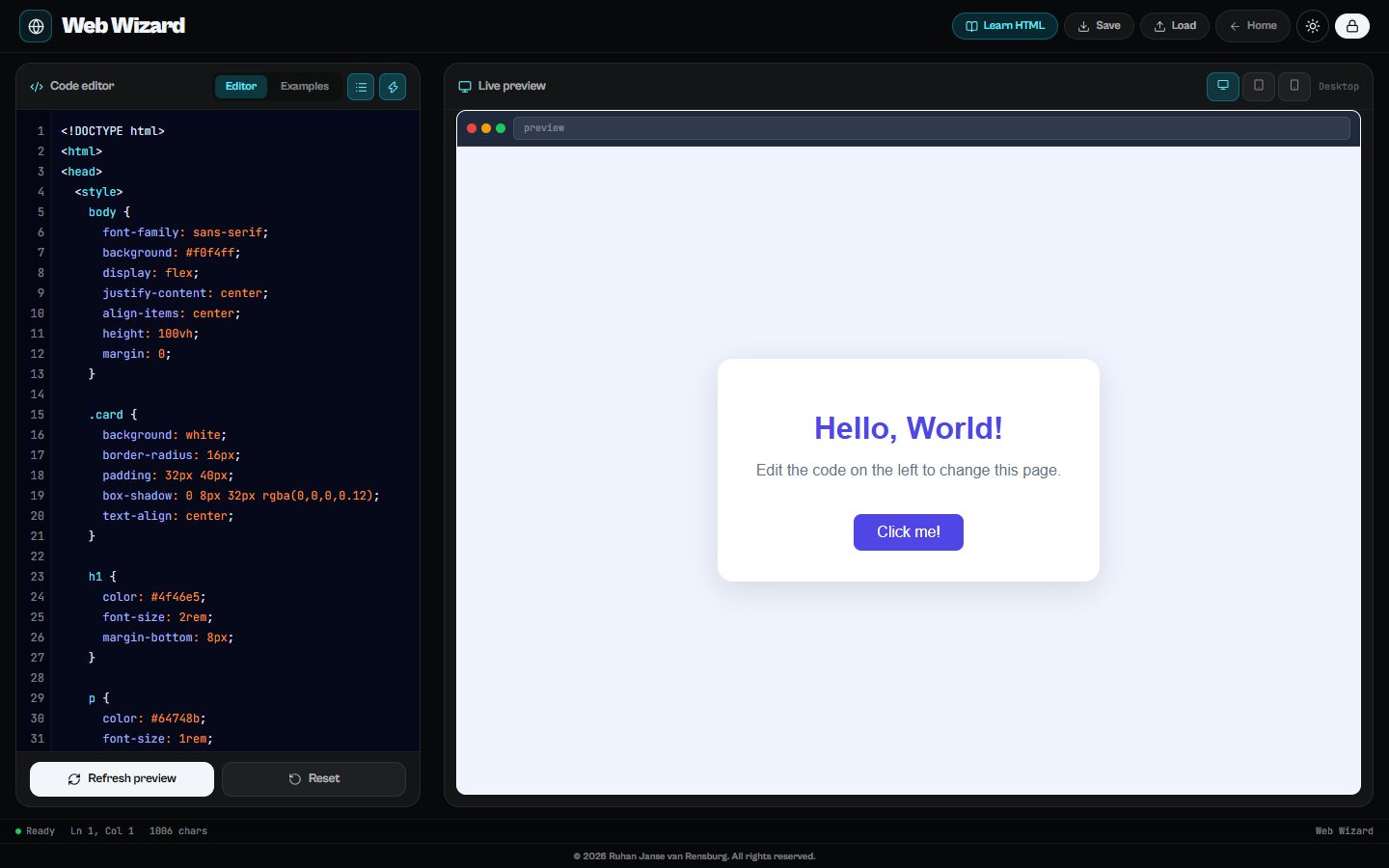
Web Wizard puts an HTML and CSS editor next to a live preview, so every change shows up as learners type. A guided tutorial covers page structure, styling, classes, flexbox layout and colour, and the preview switches between phone, tablet and desktop sizes so learners see why responsive design matters.
Runs in any modern browser. Nothing to install.
What learners do
Live preview
The page updates as learners type, with no save-and-refresh loop.
Guided tutorial
Seven steps from "What is HTML?" to building their own page.
Example templates
Start from working examples and change them, which is how most people learn the web.
Phone, tablet and desktop
Preview the page at three screen sizes.
What’s inside
Learn HTML & CSS
- What is HTML?
- The structure of a web page
- Adding style with CSS
- Using classes
- Layout with flexbox
- Colours in CSS
- Now build something!
Questions
Is a server or hosting needed?
No. Everything runs in the browser; learners can save their work and load it again later.
Who is it for?
Grade 8–9 learners meeting web design for the first time, and older learners who need a quick way to try HTML and CSS.
How much does it cost?
Web Wizard is one of thirteen tools on The Magic Lab. Start with a free account; full access to every tool is one plan, and schools can get a quote for all their learners and teachers.