Code your SPIKE Prime. Test it before the table.
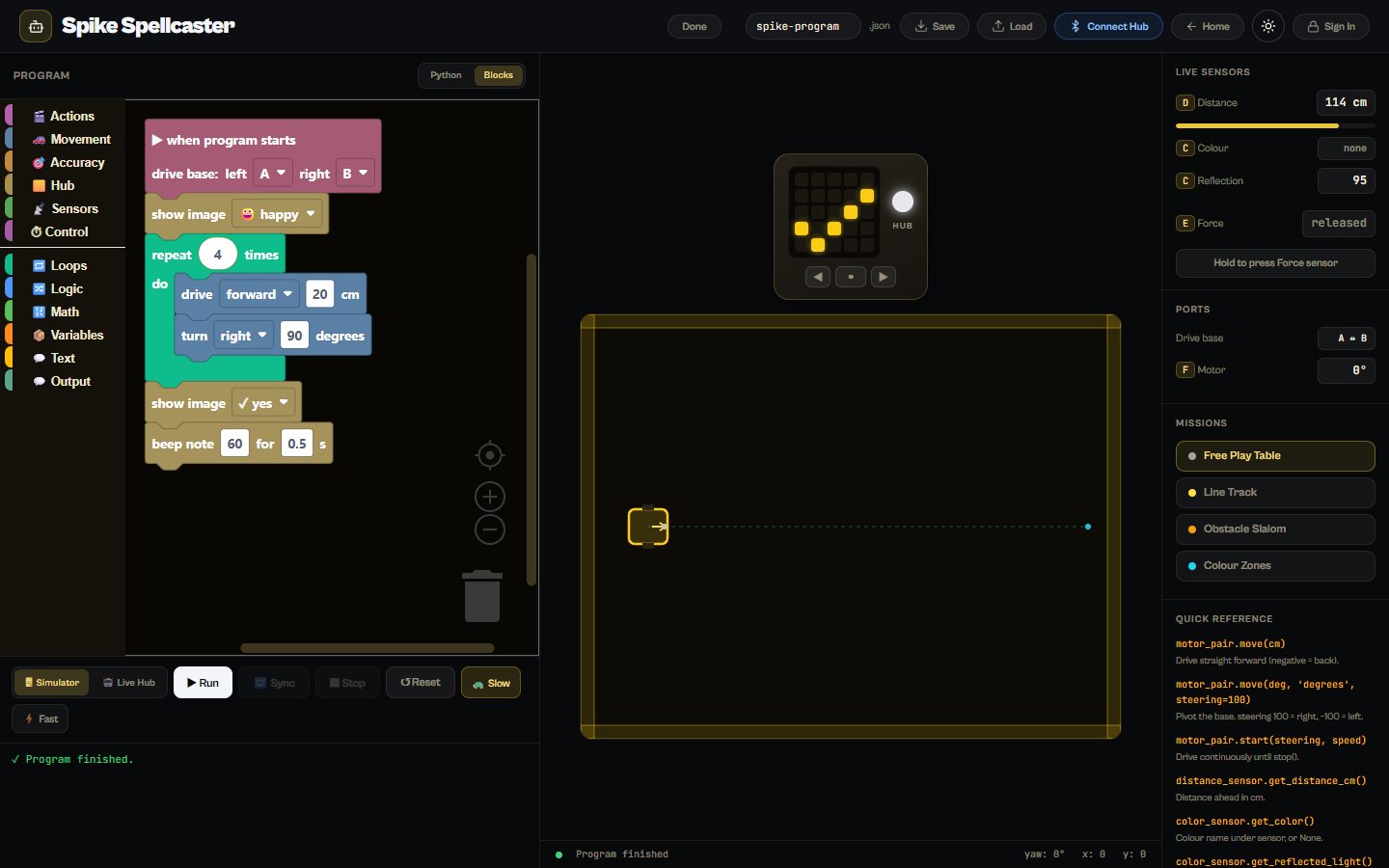
Spike Spellcaster is a coding environment for the LEGO SPIKE Prime. Learners program in blocks or Python, test their code on a simulated robot with the same drive base, sensors and light matrix, and when it works, connect their real hub over Bluetooth and run it there. It was built with WRO RoboMission teams in mind.
Runs in any modern browser. Nothing to install.
What learners do
Python or blocks
Blocks for beginners and SPIKE Python for teams that are ready; both drive the same robot.
A simulator first
Drive base, distance, colour and force sensors and the 5×5 light matrix, all simulated.
Then the real hub
Connect a SPIKE Prime hub over Bluetooth and run the same program on the robot.
Mission tables
Free play, line track, obstacle slalom and colour zones.
What’s inside
Programming
- Driving straight and pivoting the drive base
- Motors and accuracy
- Distance, colour, reflection and force sensors
- The light matrix and the speaker
- Loops, logic, maths and variables
Missions
- Free play table
- Line track
- Obstacle slalom
- Colour zones
Questions
Do we need a SPIKE Prime to use it?
No. The simulator works on its own; a real hub is only needed to run the program on the robot.
Which browsers can connect to the hub?
Connecting over Bluetooth needs a browser with Web Bluetooth, such as Chrome or Edge on a laptop or Chromebook.
How much does it cost?
Spike Spellcaster is one of thirteen tools on The Magic Lab. Start with a free account; full access to every tool is one plan, and schools can get a quote for all their learners and teachers.